How to Check and Configure NVIDIA GPUDirect Storage for Your Platform
NVIDIA GPUDirect Storage (GDS) accelerates GPU storage access in on premises and cloud environments. It provides a robust, portable, and efficient data path...
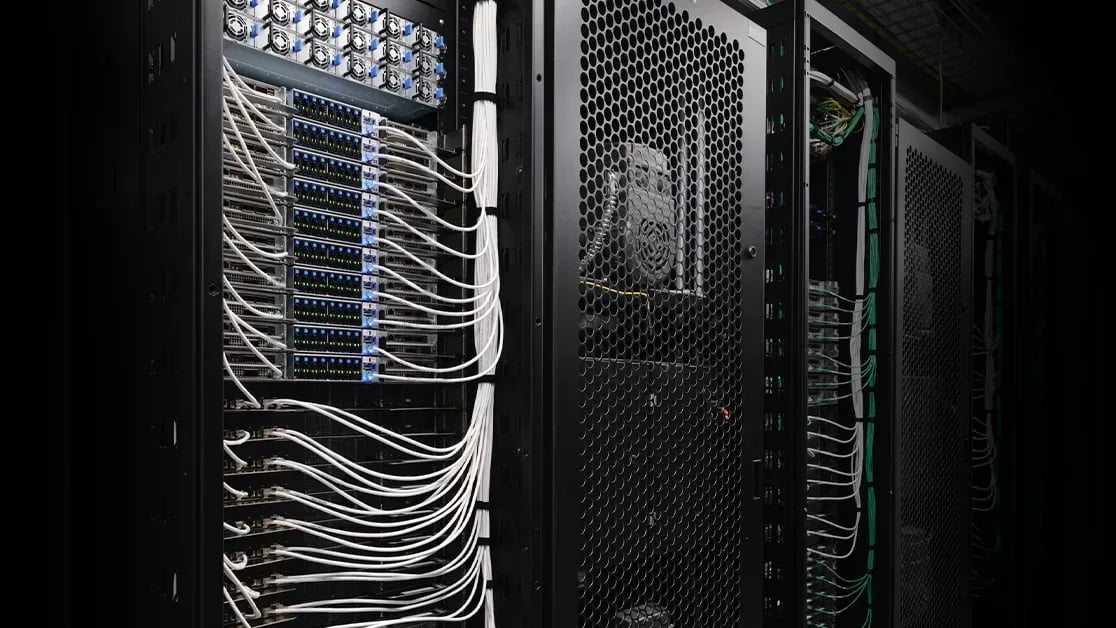
NVIDIA GPUDirect Storage (GDS) accelerates GPU storage access in on-premises and cloud environments. It provides a robust, portable, and efficient data path between NVIDIA GPUs and storage targets to increase bandwidth, minimize latency, and reduce CPU and memory utilization across a broad range of platforms, application frameworks, and workload patterns.
Configuring NVIDIA GPUDirect Storage starts with understanding your environment. Which settings and storage paths are appropriate for your platform and workload? Extensive documentation describes how to configure and troubleshoot supported architectures and storage solutions, but you must navigate this information and optimize your deployment.
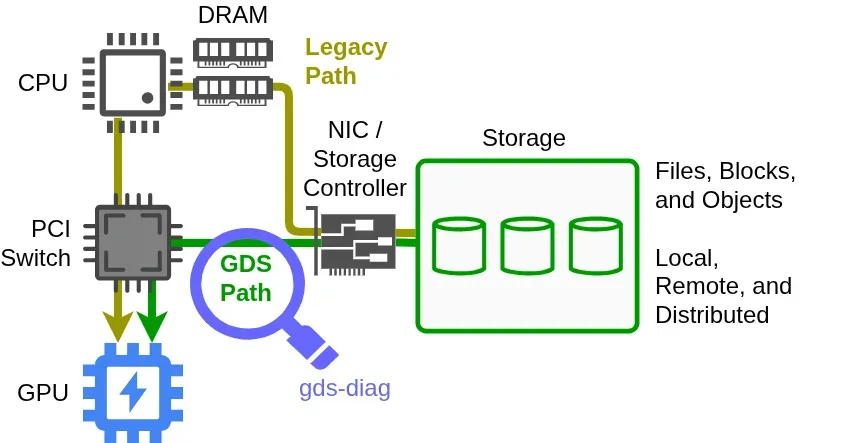
Figure 1. High-level diagram of the GPUDirect Storage data path with gds-diag
Keep reading NVIDIA Technical Blog with Pro
This source is part of the Pro library. Unlock every premium source, AI translation and custom feeds.
Originally published on
NVIDIA Technical Blog
Keep reading



 Vercel Blog