Customizing Angular Aria Tabs Quickly with Google Antigravity CLI
The Angular team has called Angular Aria a set of customizable, fully accessible UI patterns . This is a strong claim, but in practice, how possible is it to heavily customize the components while maintaining accessibility features such as keyboard navigation and focus management? In this post, we’re going to use…
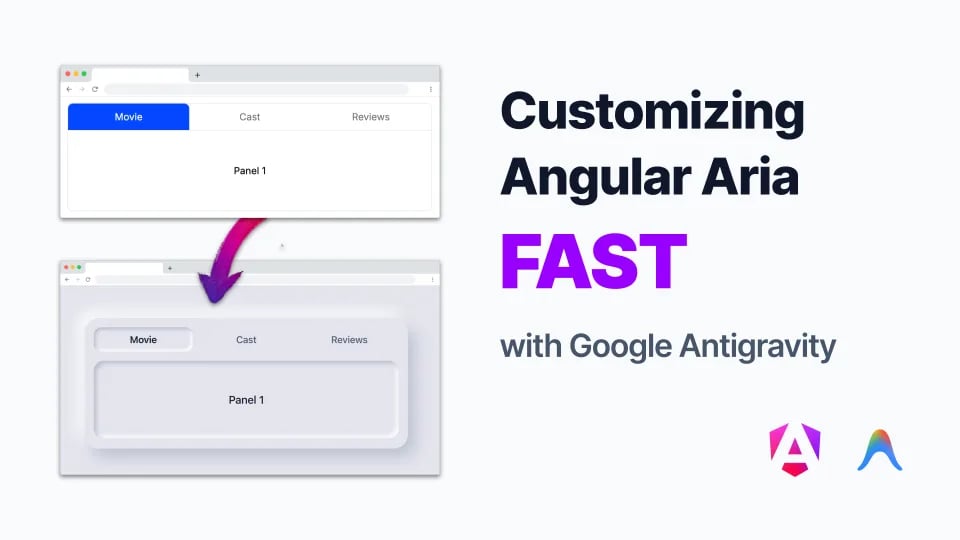
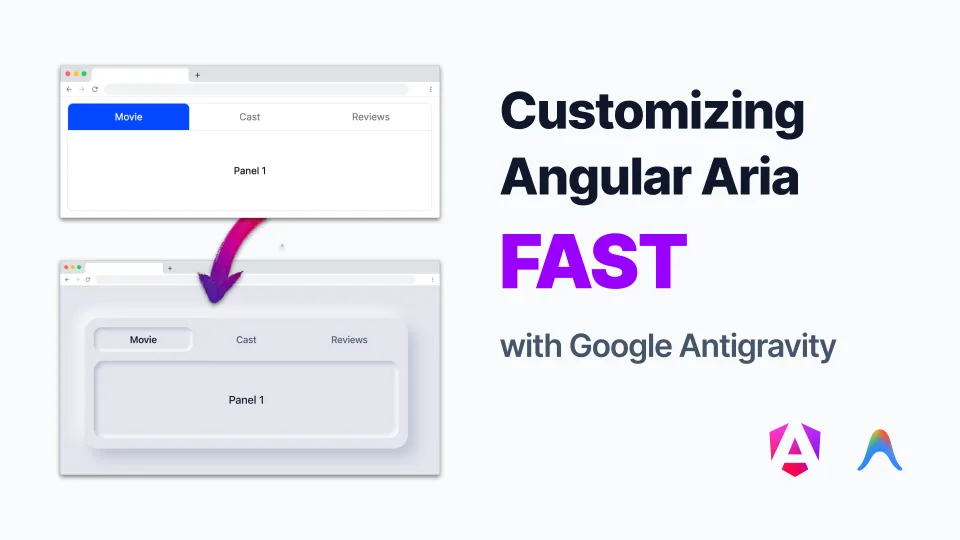
The Angular team has called Angular Aria a set of customizable, fully accessible UI patterns. This is a strong claim, but in practice, how possible is it to heavily customize the components while maintaining accessibility features such as keyboard navigation and focus management?
In this post, we’re going to use Google Antigravity to put that claim to the test by updating a tab UI from generic styles to a neumorphism-based design.
Motivation
In the angular.dev documentation, the team has examples with a set of basic, Material Design-based, and retro styles meant to show developers what’s possible with these new accessibility patterns.
Here’s the challenge: take the tabs basic styles example further by implementing the following neumorphism-inspired design.
Here’s a look at the UI before any changes:
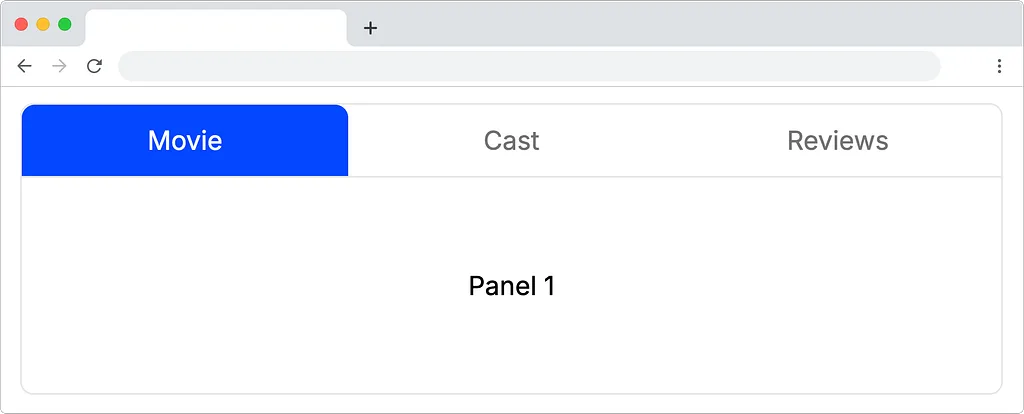
Angular Aria tabs component with basic styles applied
The Lighthouse accessibility report shows a 100 score before making any changes:
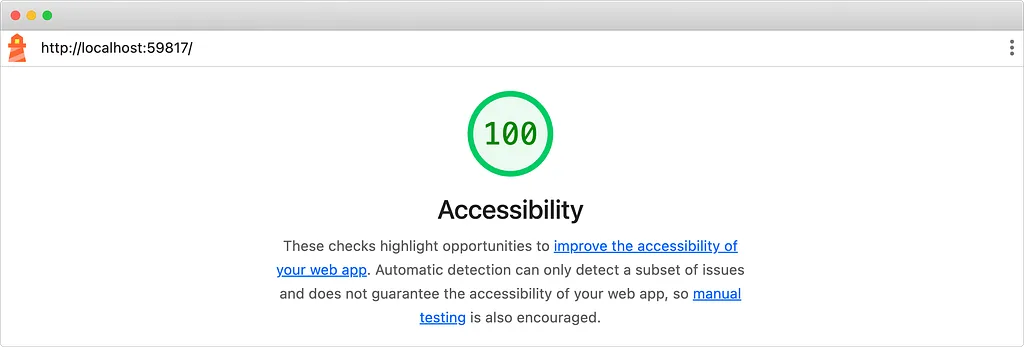
Accessibility score for the tabs based on the original styles
Neumorphic designs are typically criticized for their poor accessibility. This experiment is designed to push the coding agent with complex CSS styles while stress-testing the customizability of Angular Aria tabs. Additionally, I’ll ask the agent to update any accessibility issues that come up.
Making the changes
The styles for this UI are well organized, but require a lot of changes to achieve something like a neumorphic design. Instead of writing them by hand, Google Antigravity’s coding agent can make the changes.
Here’s the prompt:
/goal update the tabbed UI to be neumorphic style. The example UI is @example-ui.jpeg and the styles are in @src/app/app.css
A few things to note here:
- This example used a reference image for inspiration (@example-ui.jpeg) to inform the designs.
- This example also uses the /goal command in Google Antigravity instructs the agent to work a task to completion without asking the user for immediate input.
The Result
Here’s the resulting UI based on the prompt:
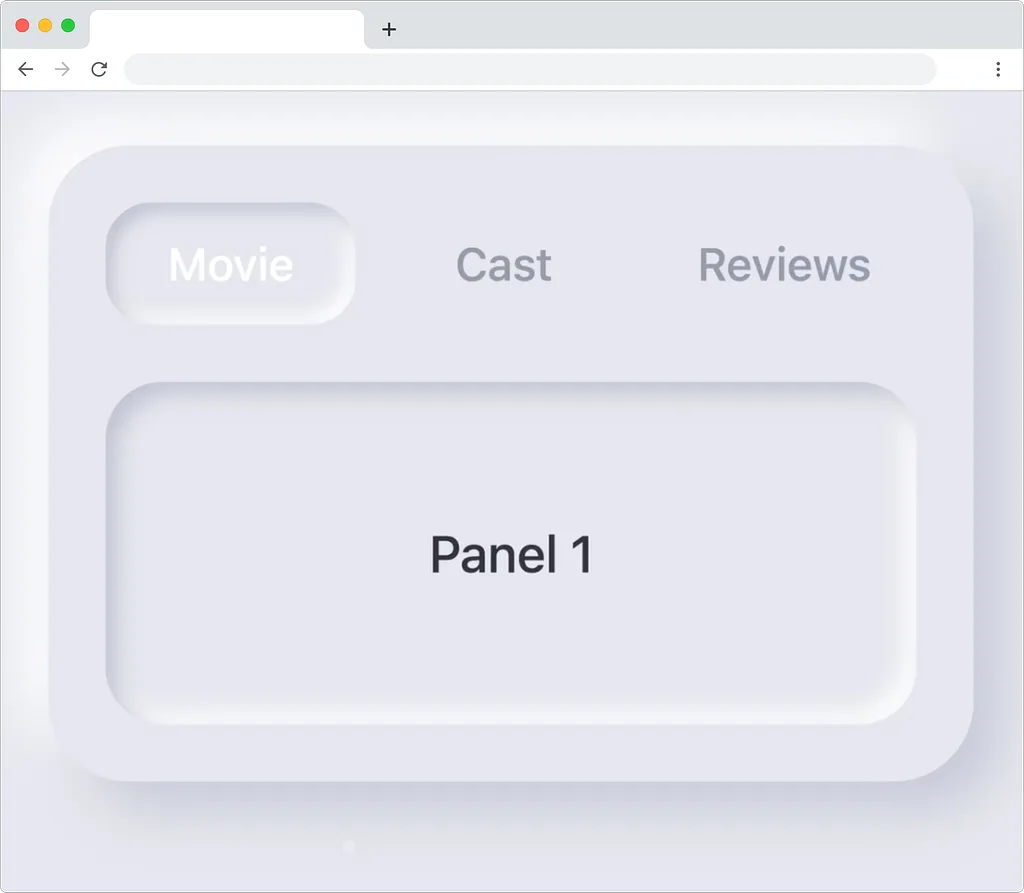
Angular Aria tabs with a neumorphic design
In this example, the agent made a slight modification to the HTML structure, adding a wrapper to the structure, but it leveraged the Angular Aria tabs pattern. I ran this same application through Lighthouse again receiving a 95 accessibility score, the background and foreground contrast ratio is not sufficient.
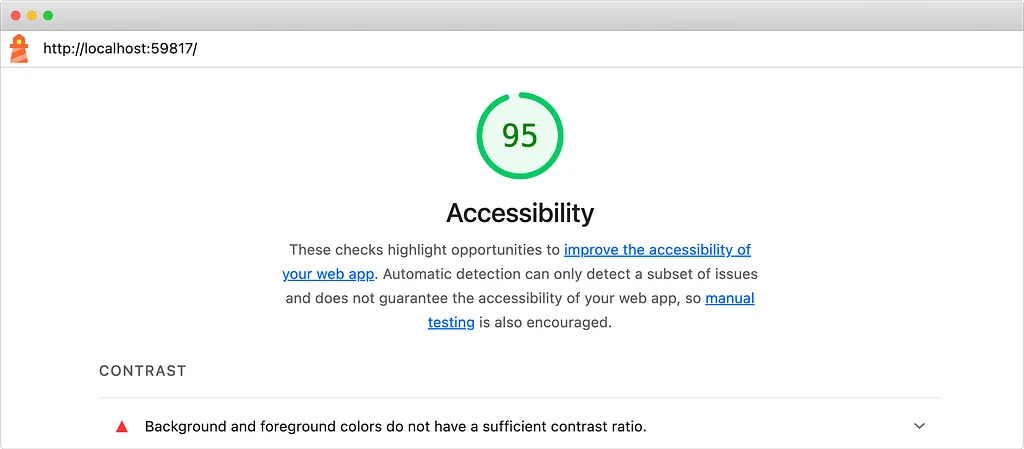
Accessibility score after the neumorphic style has been applied
I can prompt the agent again to fix this issue:
The color contrast fails WCAG accessibility standards, can you fix it so that it does?
The resulting UI has improved contrast which is better for users.
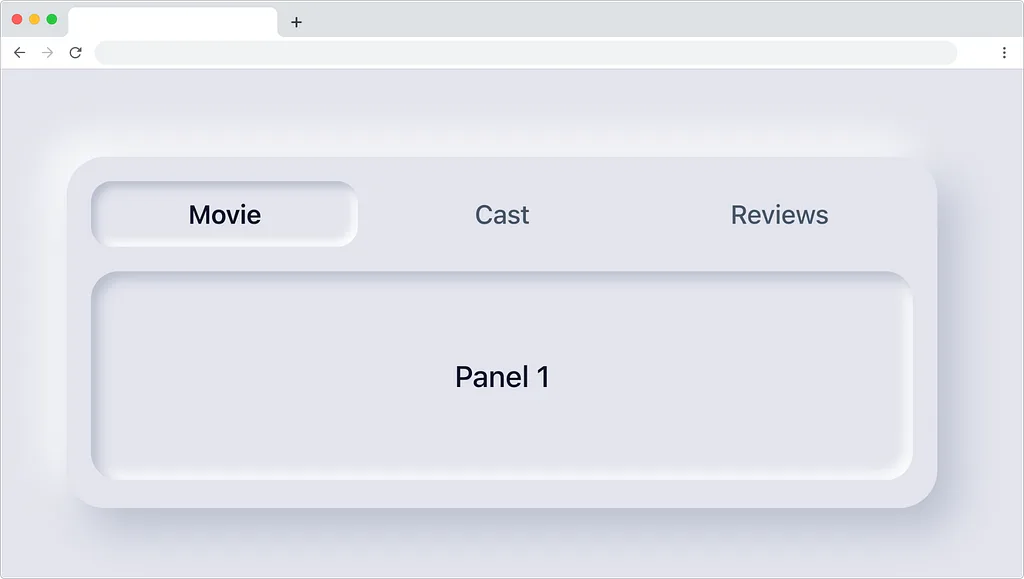
Updated UI with improved contrast ratios
The coding agent fixed the contrast issues. It also generated a helpful report highlighting the improved ratios in the application:

A terminal report from the coding agent on the updated ratios
Now the application has a 100 accessibility score.
Build your next great app
Using Google Antigravity and the fantastic new Angular Aria APIs allow developers to build accessible applications serving all types of users. This is just one example — there are nearly a dozen implemented accessibility patterns with Angular Aria.
Be sure to download the latest versions of Angular and Google Antigravity to build your next great app today.
Additional Resources
Customizing Angular Aria Tabs Quickly with Google Antigravity CLI was originally published in Angular Blog on Medium, where people are continuing the conversation by highlighting and responding to this story.
منتشرشده در
Angular Blog
ادامه مطالعه

 Docker Blog
 Next.js Blog