Sync Stripe data in real-time to Neon
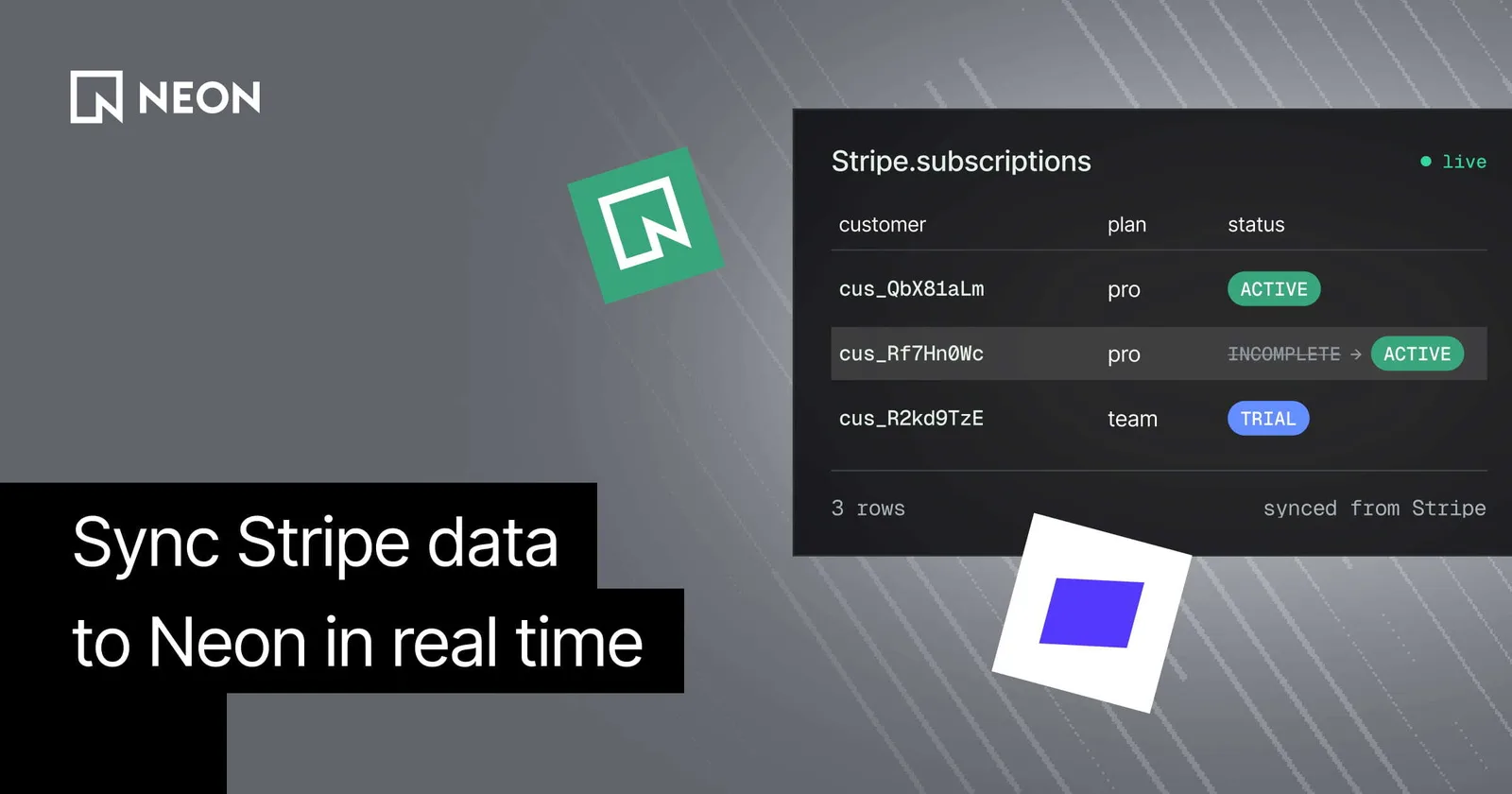
Stripe Data Pipeline now supports real time sync to Postgres. Connect Neon from the Stripe Dashboard and query live payment, subscription, and customer data next to your app data, without building API or webhook integrations.
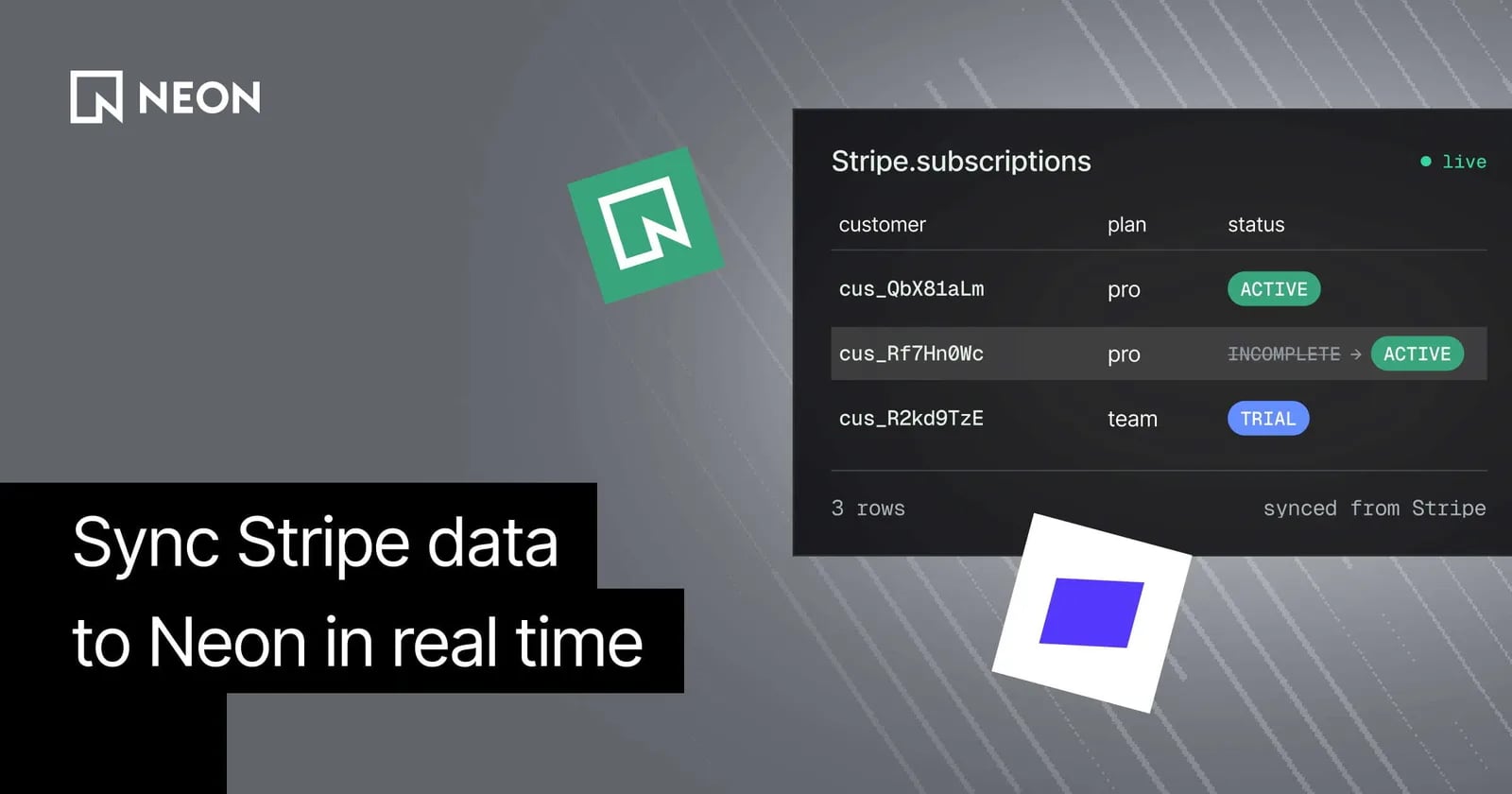
A customer upgrades to a paid plan, and your app needs to unlock their new features. Another customer's subscription ends, and your app needs to update their access. To respond to changes like these, you need the latest payment and billing data from Stripe in your application database. But keeping that data in sync takes a surprising amount of work.
We finally have a better way to do this. Stripe Data Pipeline now supports real-time sync to Postgres: it streams real-time Stripe API data straight to a Postgres database, without needing to build API or webhook integrations. Stripe manages the sync end to end.
Neon is one of the destinations you can connect directly from the Stripe Dashboard, so you can get started in just a few clicks.
Sync real-time data, without maintaining a custom integration
To keep Stripe data up-to-date in an application database, most developers rely on one of two approaches:
- APIs. You call the Stripe API when your app needs billing data, or sync it on a schedule. But because that data lives in Stripe rather than next to your application data, answering a single question often takes several calls: fetch the customer, list their subscriptions, look up the price, check the latest invoice. Each call adds latency, and as traffic grows, you have API rate limits to manage. Syncing on a schedule cuts down on calls, but then your copy is only as current as the last run.
- Webhooks. You stand up an endpoint, verify signatures, and write a handler for every event type you care about. The common edge cases are these:
- If your endpoint is down or a handler errors, the event gets lost, and so does the change it carried
- If an older update is processed after a newer one, your database ends up with stale state
Either way, you end up building, monitoring, and maintaining a separate piece of infrastructure just so one
if (user.isPro)
check returns the right answer.
Real-time sync to Postgres replaces this custom infrastructure with a no-code pipeline built directly into Stripe:
- A fully managed pipeline. Stripe backfills your existing data and continuously delivers new and updated records to your database. There's no endpoint to host and no handler code to maintain.
- No gaps in your data. Stripe audits the synced data on an ongoing basis, so you don't have to reconcile missing or out-of-sync records yourself.
- No rate limits to work around. The sync handles any volume of data, so you don't have to throttle requests or worry about gaps in your data.
Query Stripe data like any other table
If you connect your existing Neon project, Stripe writes into the same Lakebase Postgres database as your app, so billing data is a join away. Columns mirror the Stripe API objects (here's the full schema), and each table also has a
_raw_data
column with the complete JSON for the object.
Say your
users
table stores each user's Stripe customer ID. Checking whether someone has an active subscription looks like this:
select
  u.id,
  s.status,
  s.items -> 'data' -> 0 -> 'price' ->> 'lookup_key' as plan
from users u
join stripe.subscriptions s
  on s.customer = u.stripe_customer_id
where u.id = $1
  and s.status in ('active', 'trialing');
And the invoice history on a billing page:
select number, status, amount_due, amount_paid, currency, hosted_invoice_url, created
from stripe.invoices
where customer = $1
order by created desc
limit 12;
What to build with it
With real-time Stripe data in Neon, your app can query up-to-date payment, subscription, and customer data to manage feature access, display account details, and respond to payment activity.
Control product and feature access
Say a customer on your free plan is automatically upgraded to a paid plan after they complete their trial. At the time they are upgraded, the new subscription has already landed in
stripe.subscriptions
. Your feature gate just queries the database:
select exists (
  select 1
  from stripe.subscriptions s
  where s.customer = u.stripe_customer_id
    and s.status in ('active')
    and s.items -> 'data' -> 0 -> 'price' ->> 'product' = $2 -- your Pro product ID (prod_...)
) as has_pro
from users u
where u.id = $1;
Keep billing and account details up to date
Now the same customer opens their account page to download last month's invoice. Instead of calling the Stripe API on every page load, the page reads their plan, invoice history, and payment status from tables that are already current:
select i.number, i.status, i.amount_due, i.amount_paid, i.currency,
       i.hosted_invoice_url, to_timestamp(i.created) as created_at
from users u
join stripe.invoices i on i.customer = u.stripe_customer_id
where u.id = $1
order by i.created desc
limit 12;
Build live revenue dashboards
Your dashboard reporting on daily sales volume and refunds now comes from a single aggregate query:
-- Amounts are in the currency's smallest unit (for example, cents)
select date_trunc('day', to_timestamp(created)) as day,
       currency,
       sum(amount_captured) as sales,
       sum(amount_refunded) as refunds
from stripe.charges
where status = 'succeeded'
  and created > extract(epoch from now() - interval '30 days')
group by 1, 2
order by 1 desc;
Trigger personalized offers
When a customer cancels, if you'd like to send a win-back discount, it's extra important that you reach people who actually canceled and haven't already resubscribed:
select u.email, to_timestamp(s.canceled_at) as canceled_at
from stripe.subscriptions s
join users u on u.stripe_customer_id = s.customer
where s.status = 'canceled'
  and s.canceled_at > extract(epoch from now() - interval '7 days')
  and not exists (
    select 1
    from stripe.subscriptions current_sub
    where current_sub.customer = s.customer
      and current_sub.status in ('active', 'trialing')
  );
Get started
Real-time sync to Postgres is available in public preview. You can get started today for free. To create your first pipeline:
- Go to the Data Pipeline page in the Stripe Dashboard and add a Neon pipeline
- Choose your existing Neon project
- Select the Stripe tables you want to sync
- Click Create pipeline
Stripe will backfill your selected tables and keep your data in sync with ongoing changes in real time. For more details, check out the Stripe Data Pipeline docs. If you have any questions, reach out to us on Discord.
منتشرشده در
Neon Blog
ادامه مطالعه

 Vercel Blog
 Stripe Blog