Railway Agent now available in Slack and Discord
Railway Agent is now available in Slack and Discord, here's how to get started and some example use cases.
Author: David Banys
We first shipped the Railway Agent for Slack and Discord to Priority Boarding in July, and now we're ready to release the agent bot(s) to GA.
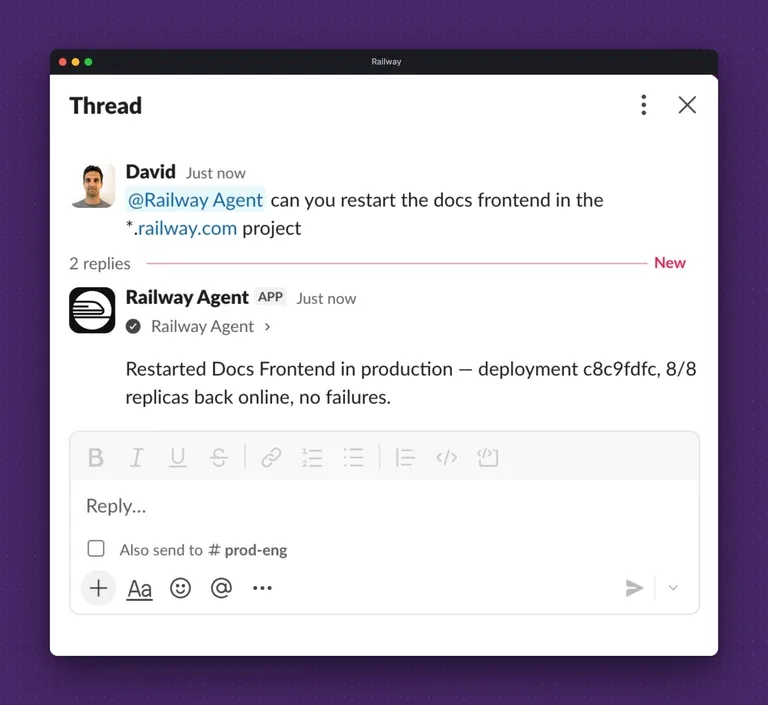
Railway Agent in Slack
To get started you'll need to go to your Account Settings and scroll down to Railway Agent Integrations.
There you should see options for connecting Slack and Discord.
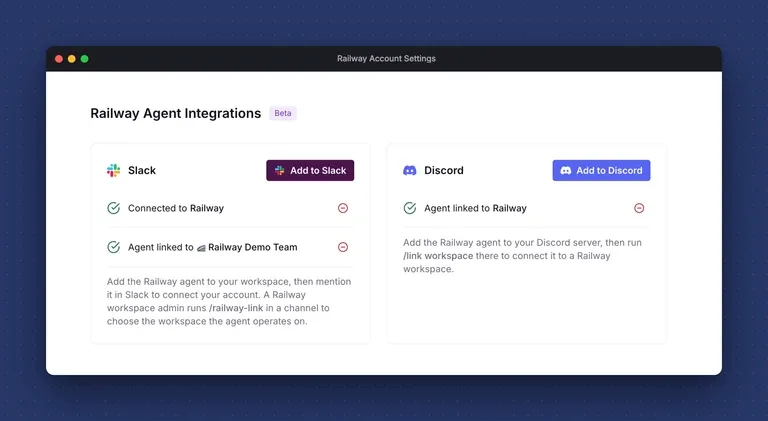
Agent integrations are available in Account Settings
From there, you'll need to use the following commands to link the Railway Agent to your Slack or Discord workspace:
Once linked, you simply need to mention @Railway Agent in the chat and the Railway Agent will be at your service.
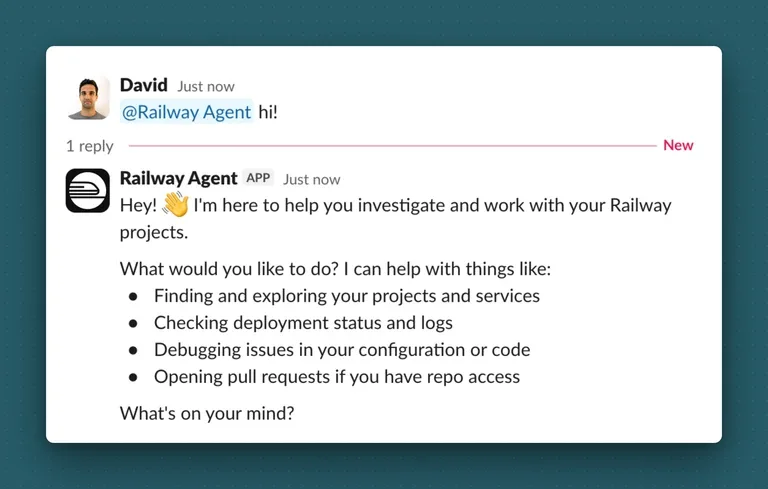
Mention @Railway Agent in Slack and the agent will respond with a helpful message
Here are some things Railway Agent can help with:
- Listing the projects and services in your workspace
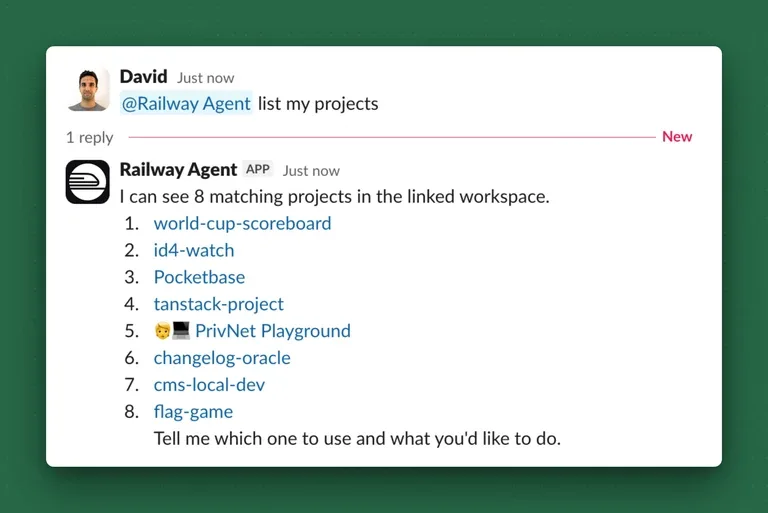
Listing projects and services
- Checking the latest usage figures for a project
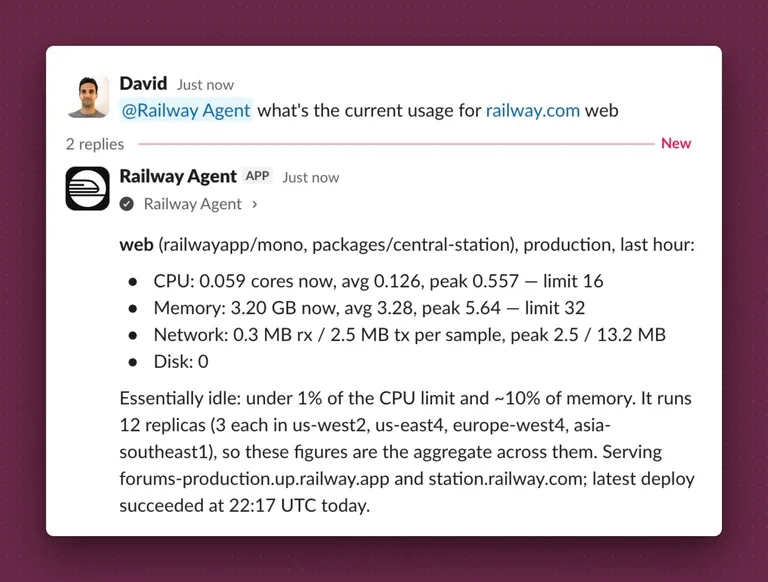
Railway.com runs QTY 12 replicas with plenty of headroom
- Grabbing the latest logs from a service
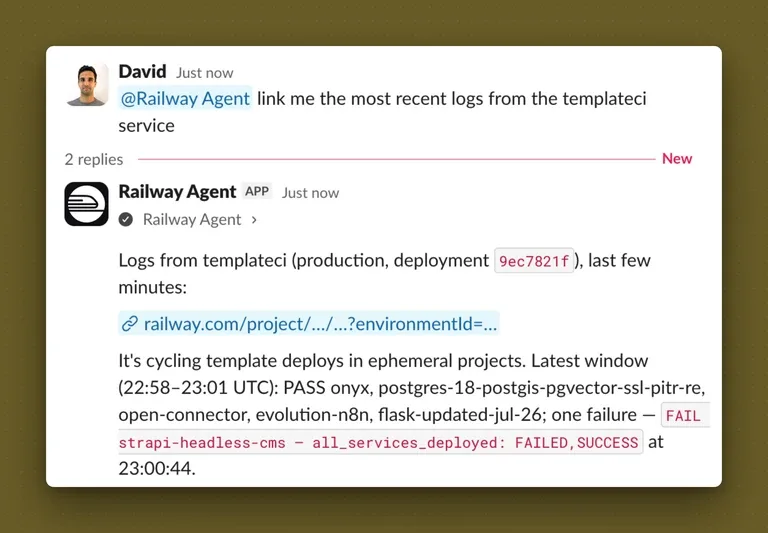
The TemplateCI service spins up ephemeral deploys to test Railway templates
- Checking on the health of a service
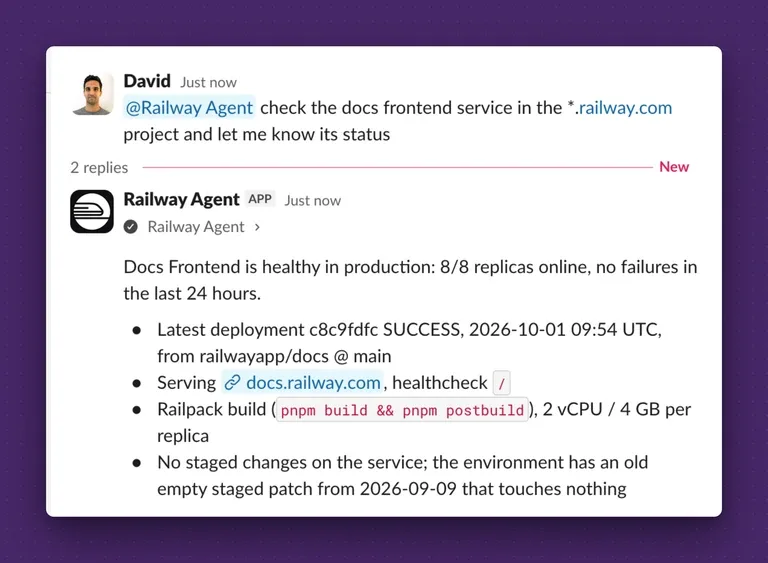
Railway Docs run on QTY 8 replicas
- Understanding when a service is or was experiencing spikiness
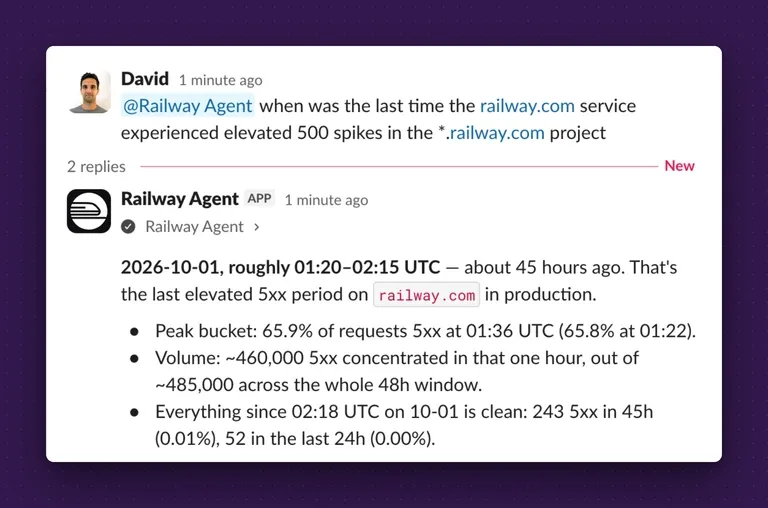
Two days ago the railway.com service experienced some spikiness
... and there's plenty more!
The Railway Agent is designed to be an easy way to get quick info about your Railway projects.
For more on this feature, be sure to read the docs.
Happy chatting!
منتشرشده در
Railway Blog
ادامه مطالعه


 Docker Blog