WebKit Features for Safari 27.1
Today iPhone Duo arrives, and with it, Safari 27.1.
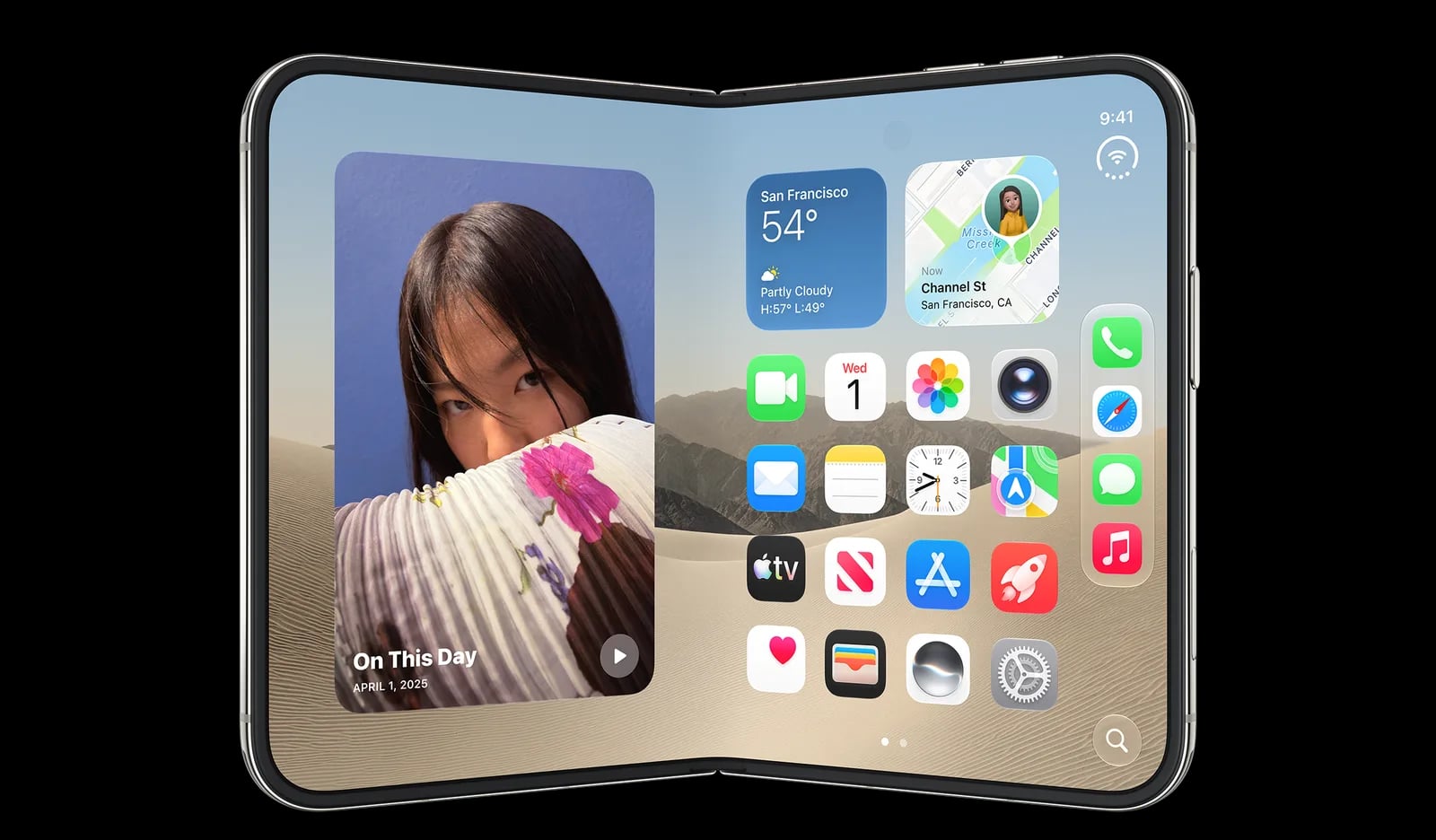
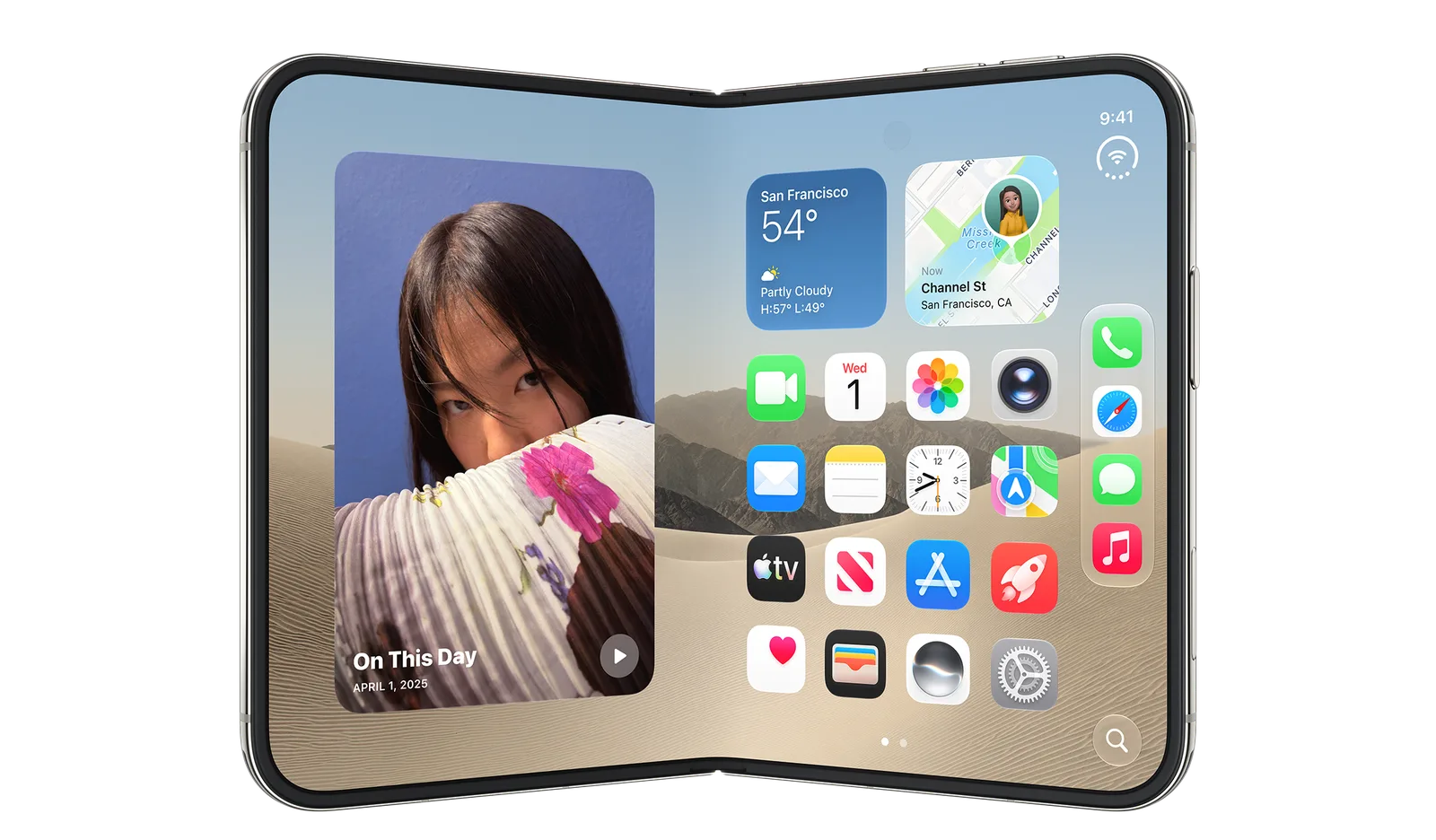
Today iPhone Duo arrives, and with it, Safari 27.1.
The “big news” here is no news. It’s Safari, with the same WebKit engine and the same web technologies as every other iPhone. Your websites and web apps work on iPhone Duo just like they do everywhere else.
Safari 27.1 does bring one change to users. Now, when someone holds iPhone Duo partially folded like a book while looking at a PDF on the web, Safari 27.1 automatically shows PDFs as two pages side by side. When they open the screen flat or close it fully, Safari switches back to one page.
For web developers, Safari 27.1 on iPhone Duo includes a preview of the Device Posture API and the Viewport Segments API, available behind feature flags.
Viewport sizes
As a web designer or developer, the first question you might have is about the sizes & shapes of the screens.

If you have been making websites and web apps using modern responsive web design techniques to support a wide range of different sized screens with media queries and flexible layouts using CSS Grid, Flexbox & more, your project is going to look and work great!
For those wondering, here’s more detail about viewport sizes in various poses… iPhone Duo has two displays: the outer display when the phone is closed, and the larger inner display when the phone is open. The outer display works in portrait or landscape, with the tab bar at the bottom by default, just like other iPhones. The inner display also works in both orientations, with the tab bar shown at the top, similar to iPad or Mac. When the inner display is in landscape, users can also put two windows side by side, which gives each one a narrow portrait viewport. And just like iOS on other iPhones, when the user scrolls, the tab bar shrinks in size to put the focus on the web content.
Across the possible combinations, the viewport width (in CSS pixels) in Safari 27.1 can range from 382 to 951. And the height can range from 368 to 902.
| Width | SVH | LVH | |
|---|---|---|---|
| Outer display, portrait | 382 | 580 | 618 |
| Outer display, landscape | 594 | 368 | 406 |
| Inner display, portrait (with one tab) | 669 | 867 | 902 |
| Inner display, landscape (with one tab) | 951 | 585 | 620 |
| Inner display, each window with two side by side | 385 | 571 | 609 |
However, you don’t need to worry about all these numbers. Instead, lean into the wisdom of Responsive Web Design techniques. Create layouts for your websites and web apps that simply work on every sized screen from the extremely large to the very tiny. Modern CSS has powerful tools that make flexible, fluid, responsive layouts incredibly easy. Avoid UA sniffing to detect devices, and use feature detection instead. These approaches put your project in the best position to just work anywhere, no matter what the future brings.
You don’t need iPhone Duo in hand to test your website or web app. Download Xcode 27.1 or later to get Device Hub, where you can create and use a simulator for iPhone Duo.
Creating webpage layouts for a folding screen
When iPhone Duo is partially folded, it opens up some interesting design possibilities. Some web developers have been curious about the Device Posture API and the Viewport Segments API. Both are supported in Safari 27.1 on iPhone Duo as a developer preview behind feature flags.
To enable, go to Settings > Apps > Safari > Advanced > Feature Flags, and turn on both “Device Posture API” and “Viewport Segments API”.
If you try out these features, let us know what you think. Do they unlock the ability to create the kind of experiences you want to create for iPhone Duo? Would you want them to work a bit differently instead?
Device Posture API
The Device Posture API tells you whether or not the user’s screen is partially folded — in both CSS and JavaScript with the device-posture media query and navigator.devicePosture. Both report one of two postures:
folded, when the device is partially folded, in a book or laptop posecontinuous, when the screen is flat — which includes both fully open and fully closed displays
In CSS, use the media query to change the styles when the device is partially folded:
@media (device-posture: folded) {
  .layout {
    display: grid;
    grid-template-columns: 1fr 1fr;
  }
}
Or in JavaScript, use navigator.devicePosture.type to read the current posture and listen for the change event to know when it changes.
function reportPosture() {
  console.log(`Device posture: ${navigator.devicePosture.type}`);
}

reportPosture();
navigator.devicePosture.addEventListener("change", reportPosture);
Viewport Segments API
The Viewport Segments API is more complex. It describes the “segments” of the display — the separate portions on either side of the fold.
Once you turn on the feature flag, Safari 27.1 supports the horizontal-viewport-segments and vertical-viewport-segments media queries. They match the number of segments laid out side by side, or stacked top to bottom:
@media (horizontal-viewport-segments: 2) {
  /* Code that only applies when the device is held like a book,
     with two side-by-side segments */
}

@media (vertical-viewport-segments: 2) {
  /* Code that only applies when the device is held like a laptop,
     with two vertically stacked segments */
}
To help you size things to the exact edges of each segment, the Viewport Segments API adds six environment variables:
viewport-segment-widthviewport-segment-heightviewport-segment-topviewport-segment-rightviewport-segment-bottomviewport-segment-left
Each takes two indexes: the segment’s column, then its row, counting from 0 at the top left. When two segments sit side by side, the left one is 0 0 and the right one is 1 0. When they’re stacked, the top one is 0 0 and the bottom one is 0 1.
For example, this layout creates two columns, each the width of the available space on each side of the fold:
@media (horizontal-viewport-segments: 2) {
  .wrapper {
    display: grid;
    grid-template-columns:
      env(viewport-segment-width 0 0)
      env(viewport-segment-width 1 0);
  }
}
In JavaScript, window.viewport.segments gives you an array of DOMRect objects, one per segment. Check it again whenever the posture changes or the window resizes:
function reportSegments() {
  window.viewport.segments.forEach((segment, i) => {
    console.log(`Segment ${i}: ${segment.width}px × ${segment.height}px`);
  });
}

reportSegments();
navigator.devicePosture.addEventListener("change", reportSegments);
window.addEventListener("resize", reportSegments);
With the Device Posture API and the Viewport Segments API behind flags, there may still be time to evolve how they work. Let us know if you have thoughts or requests.
Web content under the controls
You might have noticed the outer display of iPhone Duo is wider and shorter than other iPhone displays. To give content more vertical space, iOS moves controls to the side.
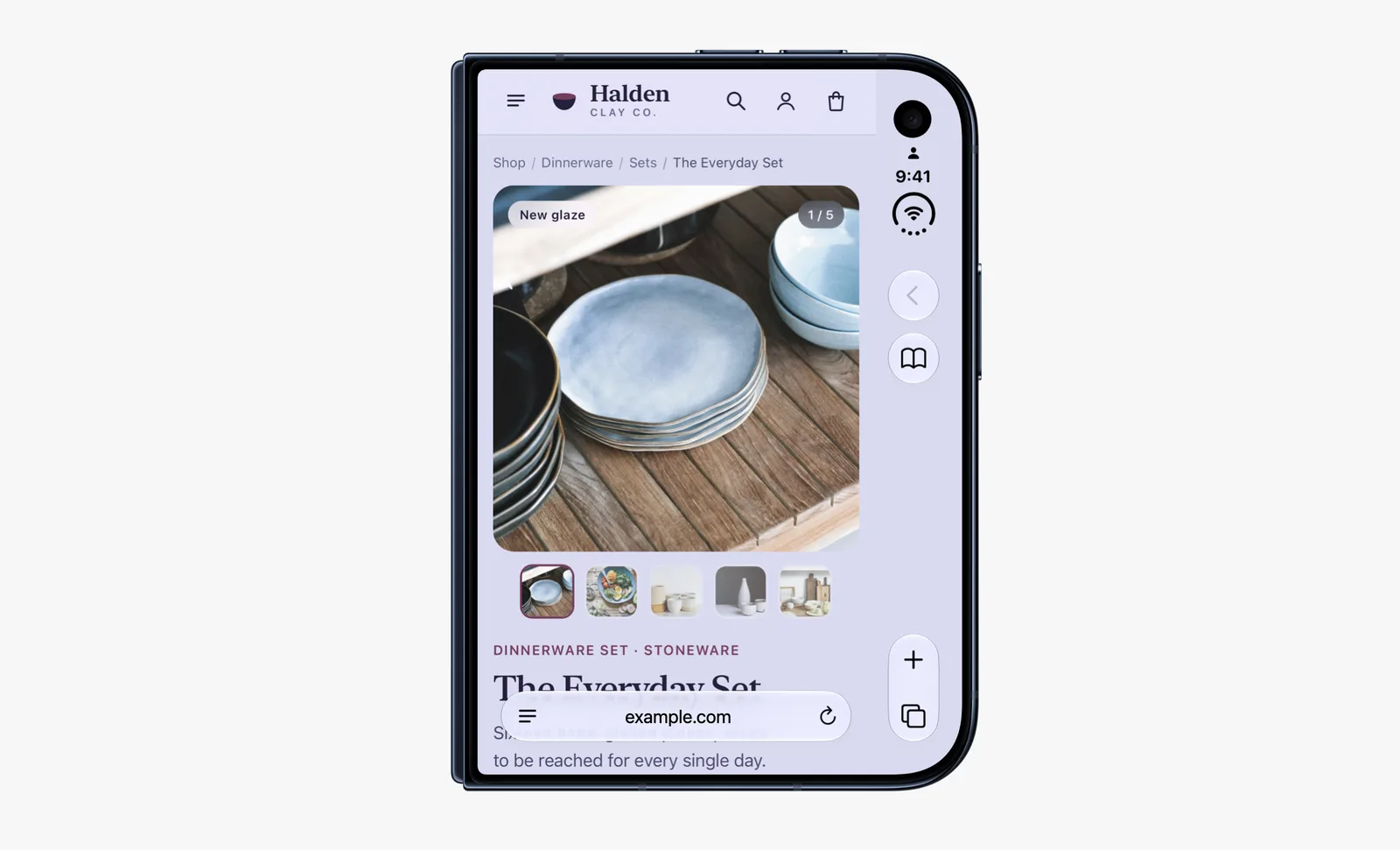
In Safari 27.1, web content does not currently extend to fill the space behind these controls. Just like on other platforms, Safari looks at the web page and extends its background color to fill the space.
We would like to give web designers and developers the ability to design and use that space in more creative ways. Perhaps you want to extend your header background across the full width of the display, for example. It might seem like there’s just one obvious way to make this possible, but really there are many possibilities.
We could use the HTML viewport meta tag with viewport-fit="cover" to extend the webpage into that space, hoping developers also use the appropriate environment variables to scoot important content away from system controls. But as we research how today’s sites are built, we see a lot of projects that fail to inset all four edges correctly. We are investigating if there’s a better way to accomplish the same result — something more foolproof and perhaps easier for you to use. If you have ideas, we’d love to hear them. And stay tuned.
What do you think?
To share your thoughts with us, reach out to Jen Simmons on Bluesky / Mastodon. If you run into any issues, we welcome your feedback about Safari UI (learn more about filing Feedback), or your WebKit bug report for web technologies or Web Inspector.
منتشرشده در
WebKit Blog
ادامه مطالعه



 Vercel Blog
 Bun Blog

 Cloudflare Blog