Getting started with the Supabase .NET SDK
How to set up and use the Supabase C client in .NET, for ASP.NET Core, Console Apps, Desktop, Unity and Mobile.
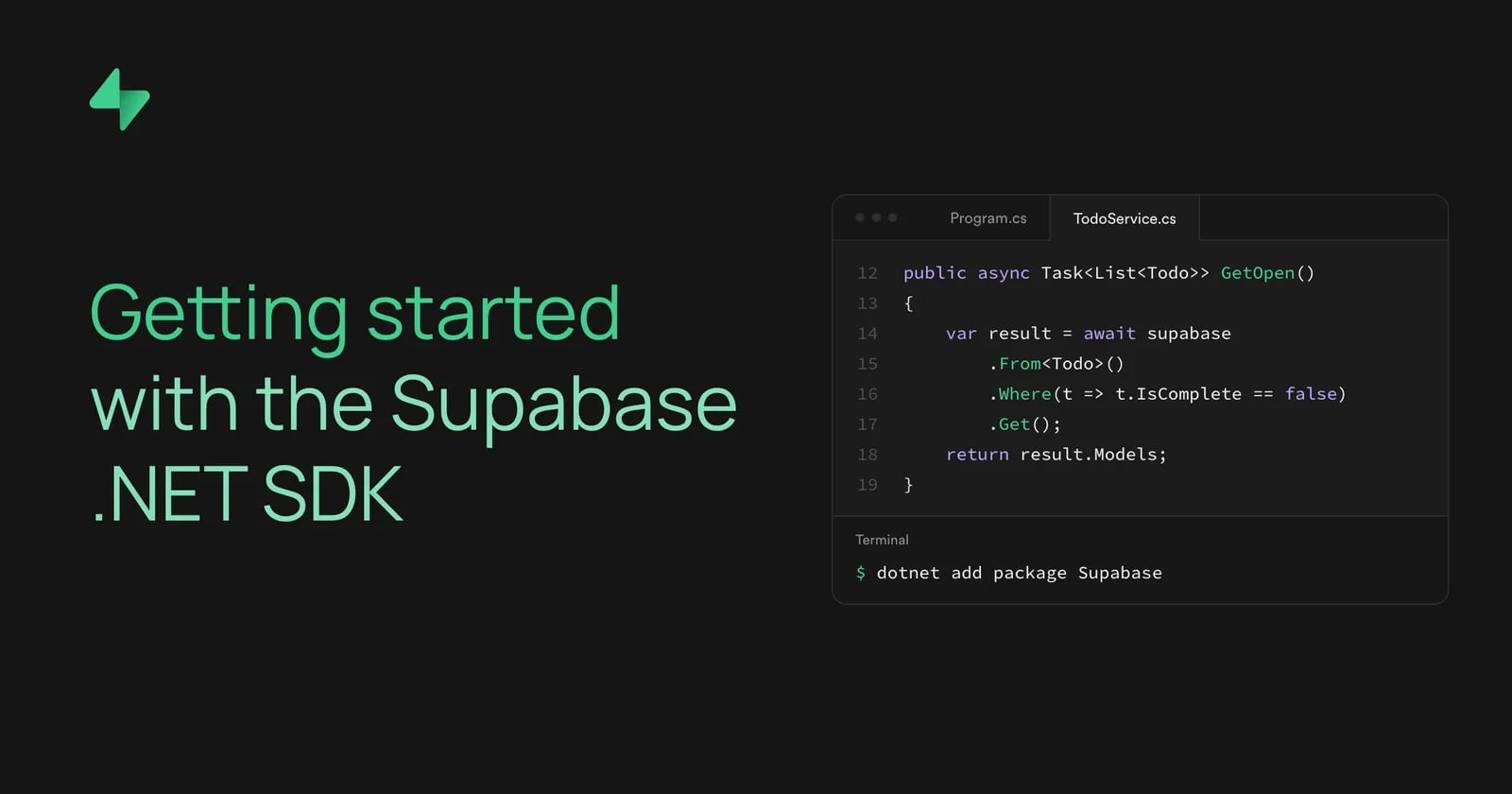
The Supabase .NET SDK is a C# client for your Supabase project. It gives you Auth, Database, Storage, Realtime, and Edge Functions behind one API and handles the communication with the Supabase Platform.
Version
8.0.0
has been released, along with a new
Supabase.Extensions.DependencyInjection
package. This post covers how to set the client up, and then walk through basic operations.
What changed in v8.0.0#
If you are coming from a previous major version, a few things moved. You do not need all the details to follow this tutorial, but they are worth knowing:
- Serialization moved from Newtonsoft.Json to
System.Text.Json. Custom converters and[JsonProperty]attributes need theirSystem.Text.Jsonequivalents. - Every service client now accepts an injectable
HttpClientand supports opt-in retry with backoff. - There is a new dependency injection package for ASP.NET Core, covered below.
- Packages target .NET Standard 2.1. That drops .NET Framework, which tops out at .NET Standard 2.0, so you need .NET Core 3.0+ or .NET 5+.
If you want to see the full list of changes, check the release notes. The migration guide lists every breaking change you may encounter and how to handle them.
Install the package#
Add the meta-package to your project. It brings in all five service packages (Auth, Postgrest, Storage, Realtime, and Functions):
_10dotnet add package Supabase
If you only need one service, reference it on its own instead, for example
Supabase.Gotrue
for Auth or
Supabase.Postgrest
for the database.
Define a model#
The SDK maps a table to a C# class. A model derives from
BaseModel
and uses attributes to link its properties to columns.
Here is a
todos
table that we will use in upcoming examples, with
id
,
task
, and
is_complete
:
_15using Supabase.Postgrest.Attributes;_15using Supabase.Postgrest.Models;_15_15[Table("todos")]_15public class Todo : BaseModel_15{_15 [PrimaryKey("id")]_15 public int Id { get; set; }_15_15 [Column("task")]_15 public string Task { get; set; }_15_15 [Column("is_complete")]_15 public bool IsComplete { get; set; }_15}
Set up the client#
ASP.NET Core#
Install the dependency injection package:
_10dotnet add package Supabase.Extensions.DependencyInjection
Register the client in
Program.cs
:
_14using Supabase.Core.Http;_14using Supabase.Extensions.DependencyInjection;_14_14var builder = WebApplication.CreateBuilder(args);_14builder.Services.AddSupabase(_14 supabaseUrl: builder.Configuration["Supabase:Url"]!,_14 supabaseKey: builder.Configuration["Supabase:Key"]!,_14 configureOptions: options =>_14 {_14 options.AutoConnectRealtime = true;_14 options.PostgrestRetry = new RetryOptions { MaxRetries = 3 };_14 });_14_14var app = builder.Build();
AddSupabase
registers the
Supabase.Client
as a scoped service, so you can inject it wherever you need: a minimal API endpoint, a controller, or your own service.
_13using Supabase;_13_13public class TodoService(Client supabase)_13{_13 public async Task<List<Todo>> GetOpen()_13 {_13 var result = await supabase_13 .From<Todo>()_13 .Where(t => t.IsComplete == false)_13 .Get();_13 return result.Models;_13 }_13}
It also registers each sub-client on its own (
IPostgrestClient
,
IGotrueClient<User, Session>
,
IStorageClient<Bucket, FileObject>
,
IFunctionsClient
,
IRealtimeClient<RealtimeSocket, RealtimeChannel>
), so a class that touches one service can depend on that alone.
We built this extension to make it easy for you to setup the client, rather than having to wire it up yourself. A
Supabase.Client
builds its own
HttpClient
when you construct it. If you register as scoped or transient, every resolution creates a fresh
HttpClient
(and a fresh socket), which will exhaust the connection pool under load.
AddSupabase
wires the client through
IHttpClientFactory
so the handler is pooled and reused. To keep this consistent, it replaces any
HttpClient
you pass through
configureOptions
; your proxy, retry, Realtime, and other options still apply.
Other apps#
Outside ASP.NET Core, in Console apps, Desktop, Mobile, or Unity, construct the client yourself and initialize it once:
_13using Supabase;_13_13var url = Environment.GetEnvironmentVariable("SUPABASE_URL")!;_13var key = Environment.GetEnvironmentVariable("SUPABASE_KEY")!;_13_13var options = new SupabaseOptions_13{_13 AutoRefreshToken = true,_13 AutoConnectRealtime = true,_13};_13_13var supabase = new Client(url, key, options);_13await supabase.InitializeAsync();
InitializeAsync
restores a saved session and, with
AutoConnectRealtime
on, opens the Realtime connection. The default session handler does not store anything, so to restore a sign-in after a restart, set
SupabaseOptions.SessionHandler
to your own implementation that saves and loads the session. Create the client once and reuse it in the app. A new client per operation means a new
HttpClient
each time, which is the same problem the DI package solves on the server.
Run the common operations#
The examples below use a
supabase
variable, which is a
Supabase.Client
instance.
Query rows#
From<T>()
opens a query on the table mapped by
T
. You can then filter using
Where
and then call
Get
to execute the query.
Get
returns a
ModeledResponse<T>
, and you can find the rows in
Models
:
_10ModeledResponse<Todo> result = await supabase_10 .From<Todo>()_10 .Where(t => t.IsComplete == false)_10 .Get();_10List<Todo> todos = result.Models;
Insert#
Insert
writes a single model or a list:
_10await supabase.From<Todo>().Insert(new Todo { Task = "Write the launch notes", IsComplete = false });
Update and delete#
There are two ways to update an entity, and both are valid. It simply depends on whether you already have the row in hand.
If you already retrieved a model, change its properties and call
Update
on it. A row returned from
Get
carries its own identity, so it knows which record to write:
_10var result = await supabase.From<Todo>().Where(t => t.Id == 1).Get();_10var todo = result.Models.First();_10_10todo.IsComplete = true;_10await todo.Update<Todo>();_10_10await todo.Delete<Todo>();
If you don't have a model, you can use the query builder which saves you a
Get
query. Set the new values, filter the rows, and run it:
_10await supabase_10 .From<Todo>()_10 .Set(t => t.IsComplete, true)_10 .Where(t => t.IsComplete == false)_10 .Update();_10_10await supabase_10 .From<Todo>()_10 .Where(t => t.IsComplete == true)_10 .Delete();
While this looks very familiar to how Entity Framework is built, it does not behave the same. There is no
DbContext, no change tracker, and no
SaveChanges. Changing a property on a model does nothing until you call
Update, and each call is its own HTTP request.
Authenticate a user#
Authentication lives on
supabase.Auth
. Sign a user up and in with email and password:
_10await supabase.Auth.SignUp("[email protected]", "a-secure-password");_10_10var session = await supabase.Auth.SignIn("[email protected]", "a-secure-password");
With
AutoRefreshToken
enabled, the client refreshes the access token before it expires and attaches it to your database and Storage calls, so Row-Level-Security applies to the signed-in user. The same
supabase.Auth
surface covers OAuth, magic links, phone, and SSO.
Upload a file#
_10await supabase.Storage_10 .From("avatars")_10 .Upload("./local/photo.png", "maria/photo.png");
A note on keys#
Version
8.0.0
added the new publishable and secret API keys, alongside the existing anon and service keys.
Use a publishable or anon key in anything that ships to users. Keep secret and service keys on the server. A service key bypasses Row Level Security, so it does not belong in a client app. When you need that level of access, use a separate client for it.
Next steps#
You now have a client set up and can run queries, auth, and Storage from .NET. From here:
- Browse the C# reference for the full API.
- Read the DependencyInjection package README for the ASP.NET Core details.
- Check the SDK repository for examples and the changelog.

منتشرشده در
Supabase Blog
ادامه مطالعه




 OpenAI News