Supabase Compute: run your agents inside your project
Supabase Compute is in private alpha and runs your agents and background jobs inside your Supabase project.
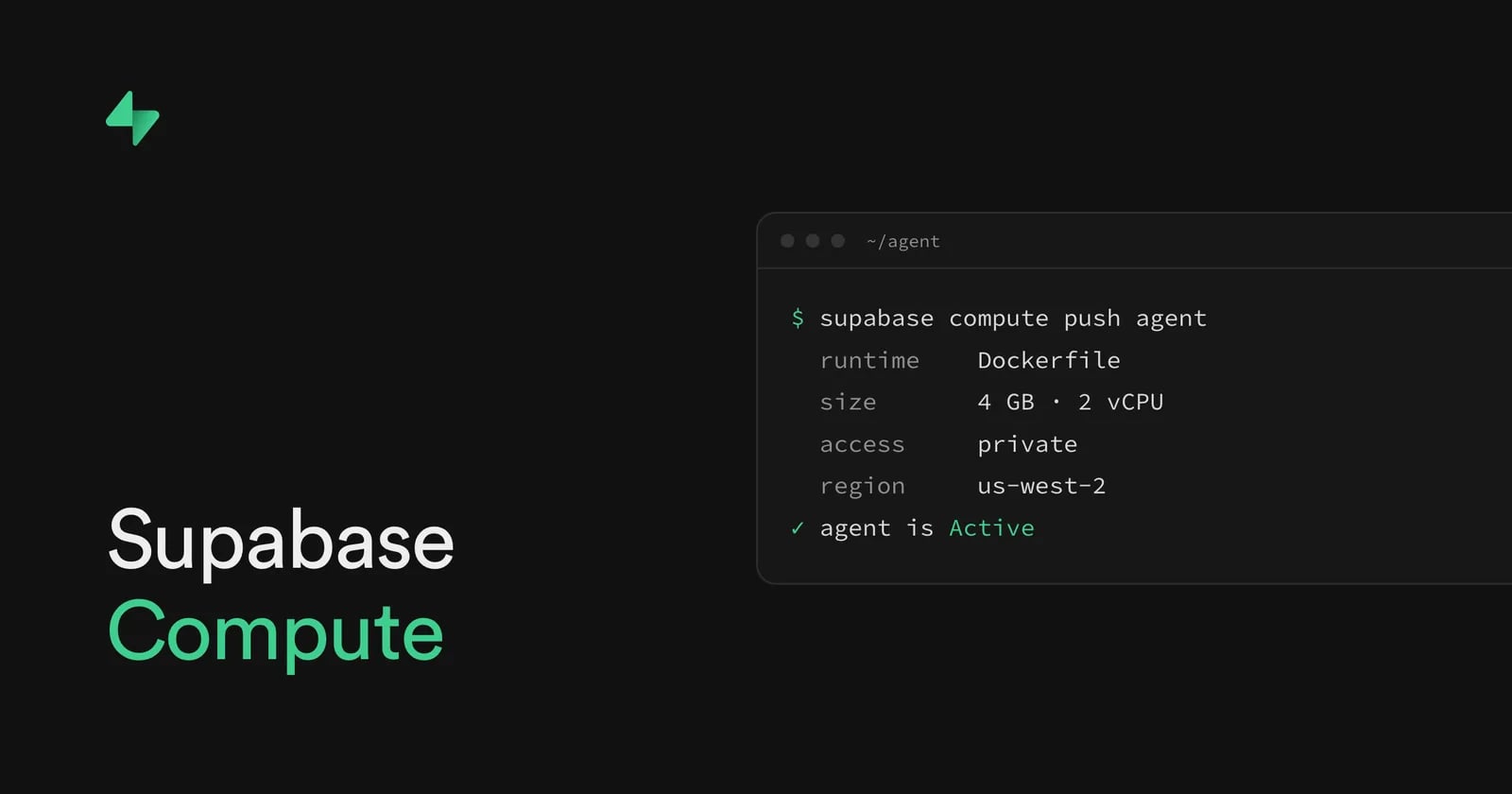
Today we're launching Supabase Compute in private alpha. Now you can run agents, background jobs, and APIs right next to your data, in the same project. During the private alpha, Compute is available in the us-west-2 region, with more regions coming soon. Join the waitlist to try it for free.
Developers told us some work doesn't fit in an Edge Function. Some work needs more memory or CPU. Some runs longer than 400 seconds, like an AI agent. Some is written in another language.
That work usually means a second platform, with its own deploys, its own logs, and debugging across two providers. Supabase Compute brings that work into your project. You pick the size, the work runs for minutes or hours, and you deploy Node, Deno, or any Dockerfile.
What you can run#
Each service gets a full Linux environment, so you can run:
- An AI agent that can spin up and coordinate multiple tasks
- An API or web service written in any language, configured with a Dockerfile
- A durable job processor that pulls tasks from Postgres, such as OpenWorkflow
- A data sync or embedding backfill that runs for hours
- A WebSocket service for low-latency, real-time apps like voice agents
Dreambase moved their data agent onto Compute to test it. Its queries to Postgres took a median of 2.9 ms, versus 65 ms from another region.
Deploy with the Supabase CLI#
Compute uses the Supabase CLI you already have, v2.120.0 or later. Once you have access:
- Add
compute = trueunder[experimental]insupabase/config.toml. - Create a service with
supabase compute new. Pick a runtime (Node, Deno, or a Dockerfile), a size (2 GB with 1 vCPU, or 4 GB with 2 vCPUs), and whether the service is public, with a URL, or private, with no URL. - Replace the starter code in the service's folder, under
supabase/compute/, with your own. - Deploy it with
supabase compute push.
A service's settings are a few lines in
config.toml
, so your coding agent can write them and deploy the service for you. Point your agent at the Compute guide. The Management API also has alpha endpoints to deploy, list, and delete services.
Your services get your project's secrets. Their logs show up on the Compute page in your dashboard.
What to know about the private alpha#
- It's for evaluation, not production, and it may change or end.
- Only projects in us-west-2 can use it.
- A service can be restarted at any time, so save long-running work to Postgres.
- Every service gets all of your project's secrets.
- There's no autoscaling, GPU, or persistent disk.
- Public services suspend when idle. Private services keep running.
Join the waitlist#
Join the waitlist and add your Project ID if your project is in us-west-2. Tell us what you want to build. Sandboxes for AI agents aren't part of the alpha. If you need them, tell us that too.

منتشرشده در
Supabase Blog
ادامه مطالعه



 OpenAI News