Agent Observability FAQ: Understand the value of monitoring, evaluating, and improving your AI agents
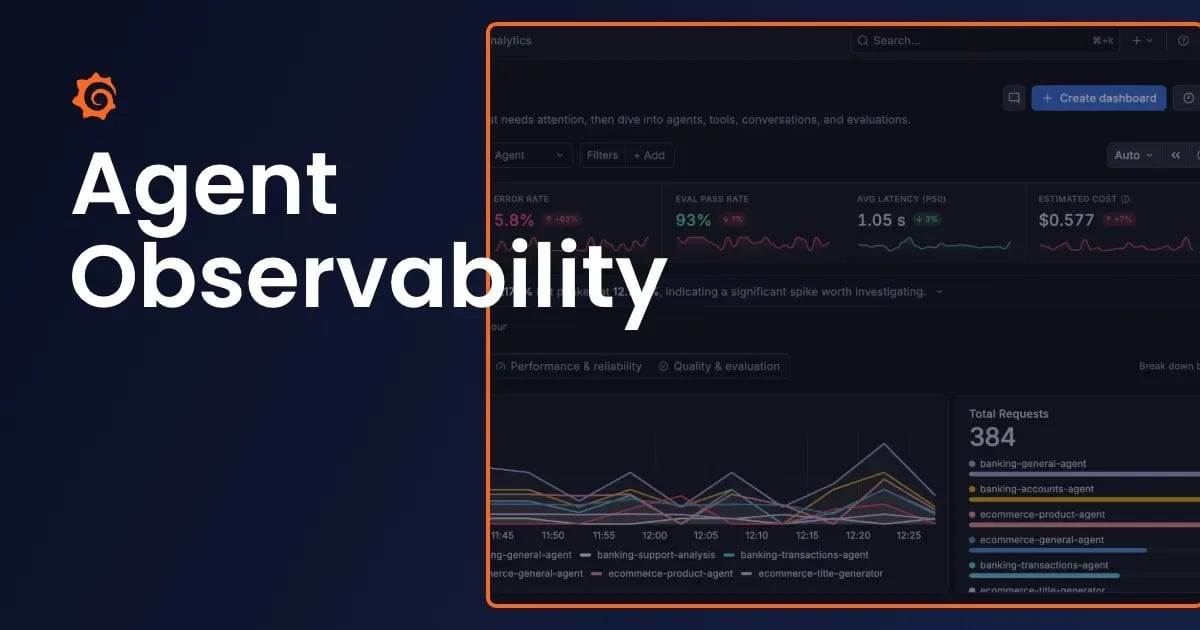
Agents have quickly become part of the tech landscape as organizations embrace AI across their businesses. But embracing agents also means embracing the monitoring best practices that have long been part of engineers' workflows: tracking performance, catching errors, and responding to incidents But it doesn't stop…
%3Aquality(90)%2F&w=3840&q=75)
Agent Observability FAQ: Understand the value of monitoring, evaluating, and improving your AI agents
%3Aquality(90)%2F&w=3840&q=75)
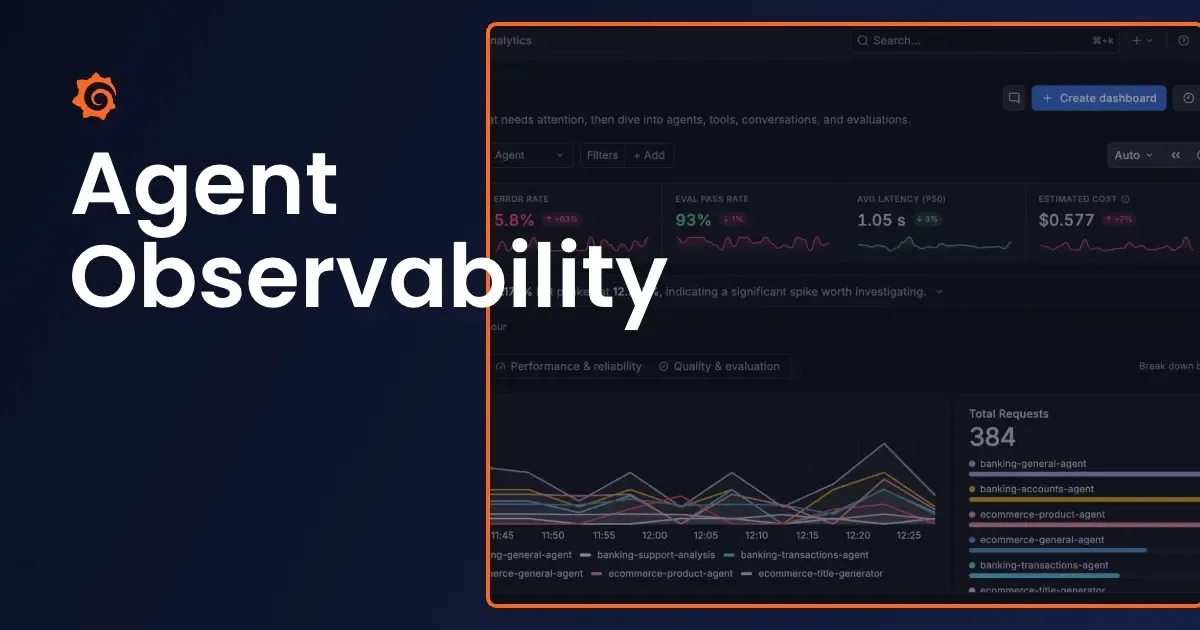
Agents have quickly become part of the tech landscape as organizations embrace AI across their businesses. But embracing agents also means embracing the monitoring best practices that have long been part of engineers' workflows: tracking performance, catching errors, and responding to incidents
But it doesn't stop there. Agents also introduce new challenges. They can give different answers to the same question, be confidently wrong without throwing an error, and turn one request into a long chain of model and tool calls that’s hard to debug. A small prompt change can shift behavior as much as a code deploy. And because agents act on what they read, they open the door to new risks like prompt injection and leaked sensitive data.
It's a lot to learn, but that's why we built Agent Observability, now generally available, as part of our growing set of AI-enabled features in Grafana Cloud. It improves your agents by helping your teams:
- Monitor performance and cost: Track latency, errors, token usage, and costs, and drill into individual conversations when something goes wrong.
- Evaluate agent quality: Use built-in or custom evaluators to measure quality and detect issues like PII or prompt injection.
- Test changes before you ship: Compare models, prompts, and other changes with offline experiments to catch regressions.
- Build evaluations into CI/CD: Use experiments as deployment gates and track agent versions as you iterate.
Agent Observability was born out of our own challenges managing agents at scale, and it's the same tool we use internally today. In this blog, I'll address some of the common questions we get from customers.
Everything you want to know about Agent Observability
Monitoring, evaluating, and improving agents
Q: Why use Agent Observability to monitor my agents?
Agents are production workloads, and they need the same visibility as the services they touch. Agent Observability runs in Grafana Cloud alongside your metrics, logs, traces, and profiles, so you can tell whether a bad answer came from the model, the prompt, or a service the agent called. Monitoring, evaluations, guards, and experiments all live in one place, so you don’t need a separate tool.
Q: Can I monitor coding agents?
Yes. Integrations for Claude Code, Codex, Cursor, GitHub Copilot, OpenCode, Pi, and more send sessions to a dedicated Coding agents view, where you can track cost, tokens, and tool usage by user, repository, or branch. Want to try it outside of Grafana Cloud first? The open sourcelocal app keeps sessions on your machine, no Grafana account needed. See how toset up and monitor coding agents for more details.
Q: How do I know if a prompt or model change made my agent better or worse?
Agent Observability tracks agent versions automatically from changes to your system prompt, so you can compare quality, cost, and latency across versions. To catch regressions before you ship, run experiments against a baseline and use them as a CI gate.
%3Aquality(90)%2F&w=3840&q=75)
Q: Do evaluations require an LLM judge?
No. You can use deterministic checks like regex or JSON schema validation alongside LLM judges, and mix both in the same evaluation.
Q: Can I see how multiple agents work together?
Yes. Each conversation shows a map of how your agents hand work to each other, even across services. If one agent’s output fails an evaluation, you can see which steps downstream were affected. See our docs oninstrumenting agent dependencies and workflows to set it up.
%3Aquality(90)%2F&w=3840&q=75)
Working with your existing stack
Q: Can I use my existing OpenTelemetry instrumentation?
Yes. Agent Observability accepts spans that follow the OpenTelemetry generative AI semantic conventions, so you don’t need the Agent Observability SDK. Keep exporting through Grafana Alloy or your OpenTelemetry Collector, and opt in your spans in with a single resource attribute. See our docs oninstrumenting agents with OpenTelemetry to get started.
Q: Can I build my own dashboards or get alerted automatically if something goes wrong?
Yes. Agent Observability metrics land in Prometheus, so beyond the built-in views. You can also build custom dashboards and run ad hoc queries, plus set up your own alerts for cost spikes, latency SLO breaches, and more.
Cost and pricing
Q: Can I see what’s driving my agent costs, and where to cut them?
Yes. Cost and token usage are tracked per agent, model, and conversation, and you can tag spend by team, project, or environment. Coding agents can also break it down by user, repository, or branch. From there, you can spot calls that are using a pricier model than they need, track cache hit rates, and compare cost across agent versions. See our guide tooptimizing cost and performance for more information.
%3Aquality(90)%2F&w=3840&q=75)
Q: How is Agent Observability priced?
Agent Observability bills on three separate meters: generations (each model call your agent makes), tokens used by LLM-based evaluations and guards, and the standard metrics and traces your SDKs send. Free and Pro plans include 30,000 generations and 25 million evaluation and guard tokens each month. That token allowance is shared with other Grafana Cloud AI features. See Agent Observability pricing for current rates.
Security, privacy, and access
Q: Can Agent Observability block bad behavior, not just flag it?
Yes. You can create guards that sit on the request path before each LLM call, using regex patterns and PII detection to catch or redact sensitive data before the model ever sees it. You can also block risky tool calls.
%3Aquality(90)%2F&w=3840&q=75)
Q: What data gets captured, and can I keep sensitive content out of it?
Agent Observabilitycaptures what your agent sends, including prompts, responses, tool calls, and token usage. TheSDK can redact secrets before any data is exported, andguards catch PII before the model sees it.Coding agents send only metadata unless you opt in to full content.
Q: Can I control who sees conversation content?
Yes.Built-in roles let you separate access. For example, the Data Reader role shows analytics, traces, and evaluation results without access to conversations. Each Grafana Cloud stack is fully isolated, so use separate stacks when you need hard boundaries, such as dev versus production.
Q: Is Agent Observability available outside Grafana Cloud?
Agent Observability for agents you build runs in Grafana Cloud. For coding agents, there’s also a free, open sourcelocal app that keeps sessions on your machine with no Grafana account needed. When you want to observe coding agent usage across your team,connect it to Grafana Cloud.
%3Aquality(90)%2F&w=3840&q=75)
Get started with Agent Observability
Agent Observability is available today in Grafana Cloud, including on the free tier, which comes with 30,000 generations and 25 million evaluation and guard tokens each month. To get started,create a free account and follow our guide tosetting up Agent Observability.
Want to build a new agent? The open sourceGrafana AI SDK for Go gives you one interface across model providers, and connects to Agent Observability from the first call. Have a question we didn’t cover? Ask us in theGrafana community forums.
Miss out on ObservabilityCON 2026? Check out our blog post recapping all the big announcements !
منتشرشده در
Grafana Labs Blog
ادامه مطالعه

 Supabase Blog